Beginner’s Guide to Reading Microcircuit Schematics
12/30/2025
Common Mistakes in Microcircuit Repairs and How to Avoid Them
12/30/2025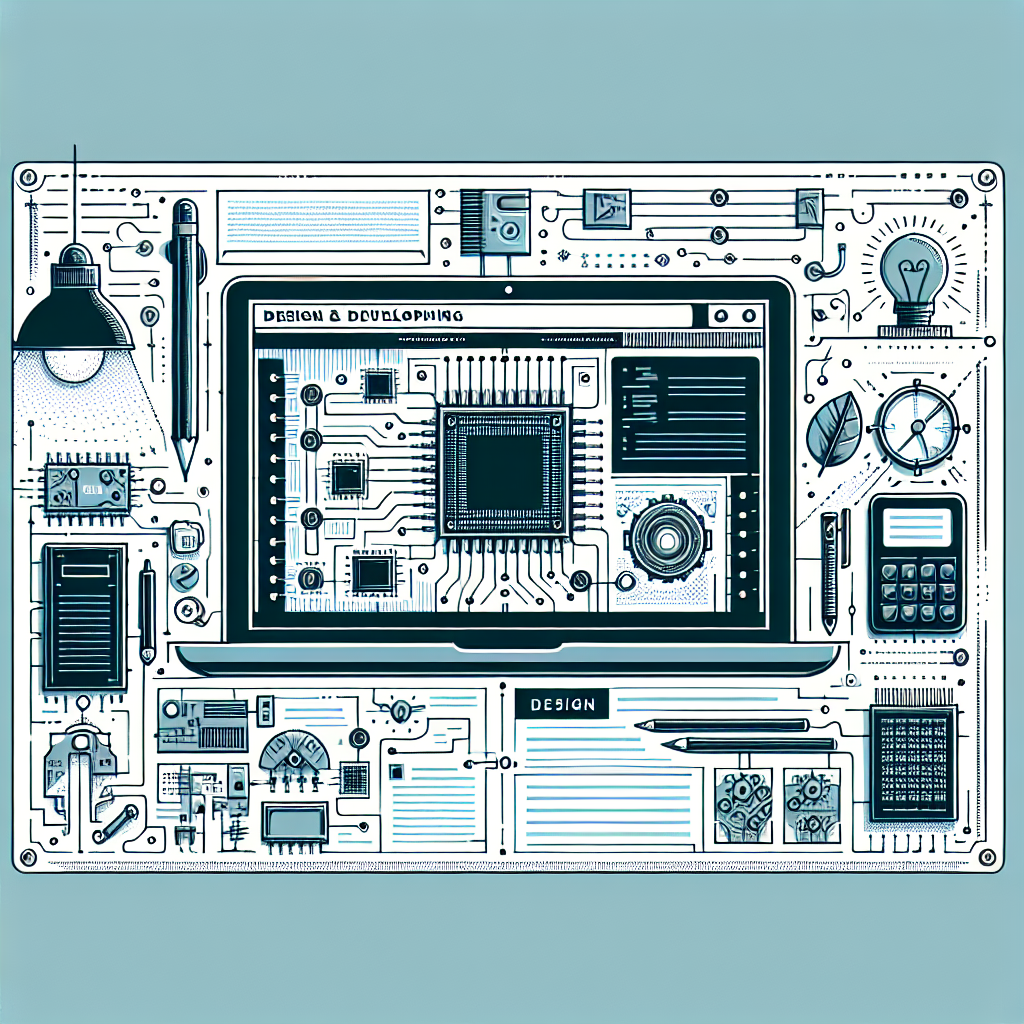
How to Design a Simple Microcircuit at Home
Introduction
Designing a microcircuit at home can be an exciting and rewarding project for enthusiasts and beginners alike. With the right tools and knowledge, you can create functional circuits that serve various purposes, from simple LED displays to more complex devices. This guide will provide you with practical steps to design a simple microcircuit, ensuring you understand the essential components and processes involved.
Understanding Microcircuits
Microcircuits, also known as integrated circuits (ICs), are essential building blocks of modern electronics. These miniaturized circuits can perform multiple functions within a compact space. Before diving into the design process, it is crucial to understand the fundamental components involved in microcircuit design.
- Resistors: Control the flow of electric current.
- Capacitors: Store and release electrical energy.
- Transistors: Act as switches or amplifiers.
- Diodes: Allow current to flow in one direction only.
- Microcontrollers: Serve as the brain of the circuit.
Tools and Materials Needed
Before beginning your microcircuit design, gather the necessary tools and materials. Having everything on hand will streamline the process and improve your efficiency.
- Printed circuit board (PCB)
- Soldering iron and solder
- Wire cutters and strippers
- Multimeter for testing
- Basic electronic components (resistors, capacitors, etc.)
- Microcontroller (e.g., Arduino, Raspberry Pi)
- Design software (e.g., Fritzing, Eagle)
Step-by-Step Guide to Designing a Microcircuit
1. Define Your Circuit’s Purpose
Before you start designing, clearly outline what you want your microcircuit to achieve. This could be anything from lighting an LED to controlling a motor. Knowing the purpose will guide your component selection and circuit design.
2. Create a Circuit Diagram
Use design software to create a detailed circuit diagram. This visual representation will help you understand how each component connects and interacts with one another. Make sure to include all components, their values, and connections.
3. Select Components
Choose the appropriate components based on your circuit diagram. Ensure they are compatible with one another and suitable for your project’s voltage and current requirements. Consider factors like size, power rating, and tolerance.
4. Assemble the Circuit
Carefully place components on the PCB according to your circuit diagram. Start with smaller components and work your way up to larger ones. Use the soldering iron to secure each component in place, making sure to check for correct orientation.
5. Test Your Circuit
Once assembled, it’s time to test your microcircuit. Use a multimeter to check connections and ensure there are no short circuits. If everything looks good, power up the circuit and observe its functionality. Make adjustments as needed.
Common Mistakes to Avoid
When designing microcircuits, beginners often encounter several common pitfalls. Being aware of these can save you time and frustration.
- Neglecting to double-check component values and connections.
- Using insufficient power ratings for components.
- Overlooking the importance of grounding.
- Not considering heat dissipation in your design.
- Failing to prototype before finalizing the design.
Benefits of Designing Microcircuits at Home
Creating microcircuits at home offers numerous advantages:
- Enhances your understanding of electronics.
- Encourages creativity and innovation.
- Provides practical hands-on experience.
- Allows customization of projects to suit personal needs.
- Can lead to cost-effective solutions compared to commercial products.
Conclusion
Designing a simple microcircuit at home is an enlightening endeavor that fosters creativity and technical skills. By following the steps outlined in this guide, you can create functional circuits that meet your project goals. Remember to learn from common mistakes and continuously seek improvement. With practice, the art of microcircuit design will become an invaluable asset in your electronics toolkit.