Understanding the Basics of Microcircuit Functionality
12/30/2025
The Importance of Circuit Design in Microelectronics
12/30/2025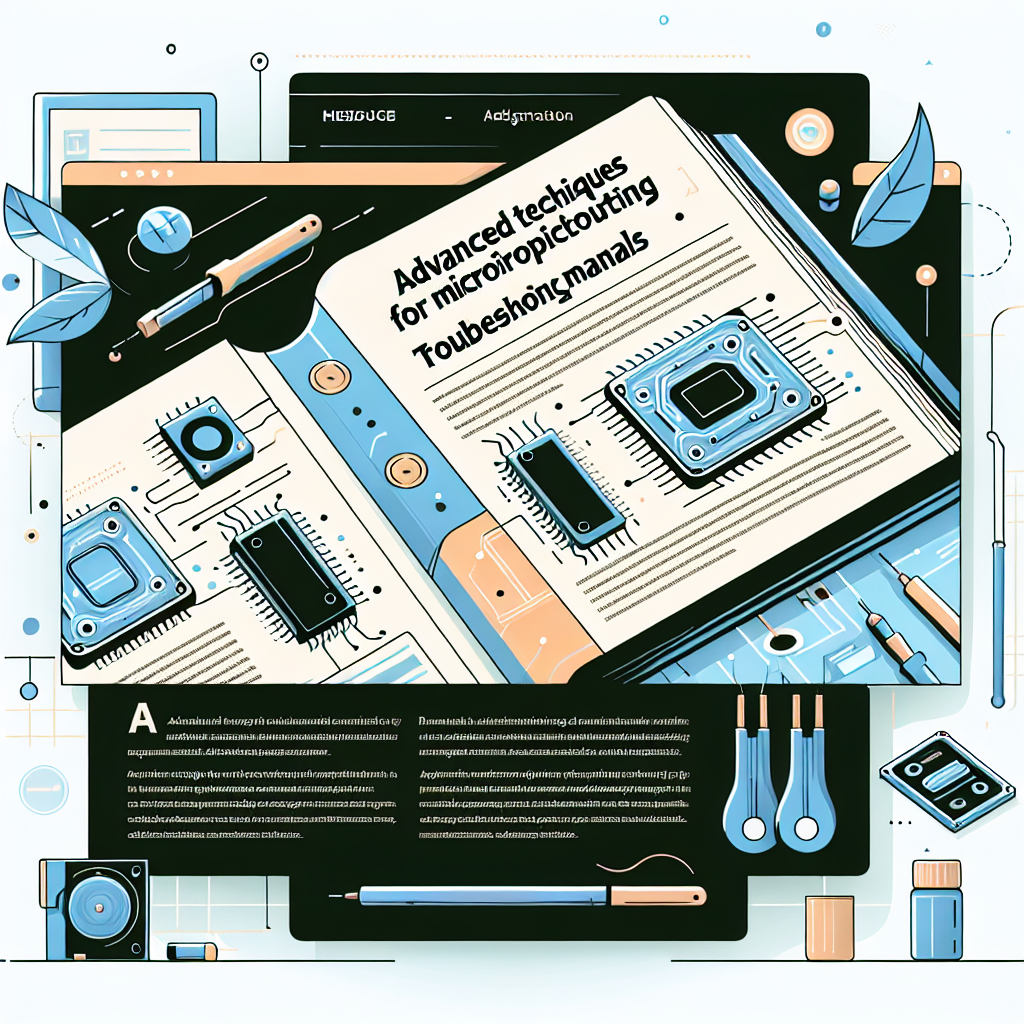
Advanced Techniques for Microcircuit Troubleshooting
Introduction
Troubleshooting microcircuits can be a daunting task, especially when dealing with complex designs and intricate components. As technology continues to advance, the need for effective troubleshooting techniques has become increasingly important. This article explores advanced methods for diagnosing and repairing microcircuits, providing both practical explanations and actionable advice.
Whether you are a hobbyist or a professional, mastering these techniques can significantly enhance your ability to identify and resolve issues, ultimately leading to more efficient repairs and improved circuit reliability.
Understanding Microcircuits
Microcircuits, also known as integrated circuits (ICs), are fundamental components in modern electronic devices. Understanding their structure and operation is critical for effective troubleshooting. Here are some key elements to consider:
- Components: Microcircuits comprise transistors, resistors, capacitors, and other elements.
- Functionality: Each component plays a specific role in the circuit, influencing overall performance.
- Connections: Internal connections can be complex, making visual inspection challenging.
Common Troubleshooting Techniques
Before diving into advanced techniques, it’s essential to have a solid grasp of basic troubleshooting methods. Here are some common approaches:
- Visual Inspection: Look for signs of physical damage, such as burnt components or broken connections.
- Continuity Testing: Use a multimeter to check for continuity in traces and connections.
- Power Supply Verification: Ensure that the circuit is receiving the correct voltage levels.
Advanced Troubleshooting Techniques
Once you have mastered the basics, you can employ more sophisticated techniques to diagnose issues effectively.
1. Signal Tracing
Signal tracing involves using an oscilloscope to monitor voltage levels at various points in the circuit. This technique allows you to visualize signal integrity and identify where signals may be lost or distorted.
- Connect the oscilloscope probes at key points in the circuit.
- Observe the waveform and compare it to expected values.
- Identify discrepancies that may indicate faulty components.
2. Thermal Imaging
Thermal imaging can be a game-changer in troubleshooting microcircuits. By using a thermal camera, you can detect overheating components that may indicate failure.
- Scan the circuit while it is operational.
- Look for hotspots that deviate from normal temperature ranges.
- Replace or repair identified components to restore functionality.
3. Logic Analyzers
For digital circuits, logic analyzers provide insights into the behavior of logic signals. They capture and display the timing of digital signals, making it easier to identify timing issues or incorrect logic levels.
- Connect the logic analyzer to the relevant data lines.
- Capture the logic states and analyze the timing relationships.
- Check for inconsistencies that may lead to functional failures.
Common Mistakes to Avoid
While troubleshooting, it’s essential to avoid certain pitfalls that can derail your efforts:
- Ignoring Power Supply Issues: Always verify the power supply before assuming component failure.
- Rushing the Process: Take your time to methodically check each aspect of the circuit.
- Neglecting Documentation: Reference circuit diagrams and datasheets to ensure accurate troubleshooting.
Conclusion
Effectively troubleshooting microcircuits requires a blend of fundamental knowledge and advanced techniques. By mastering signal tracing, thermal imaging, and using logic analyzers, you can uncover issues that standard methods may miss. Remember to avoid common mistakes, and always refer to documentation for guidance. With these techniques in your toolkit, you’ll be better equipped to diagnose and repair microcircuits, enhancing both your skills and the reliability of your electronic projects.